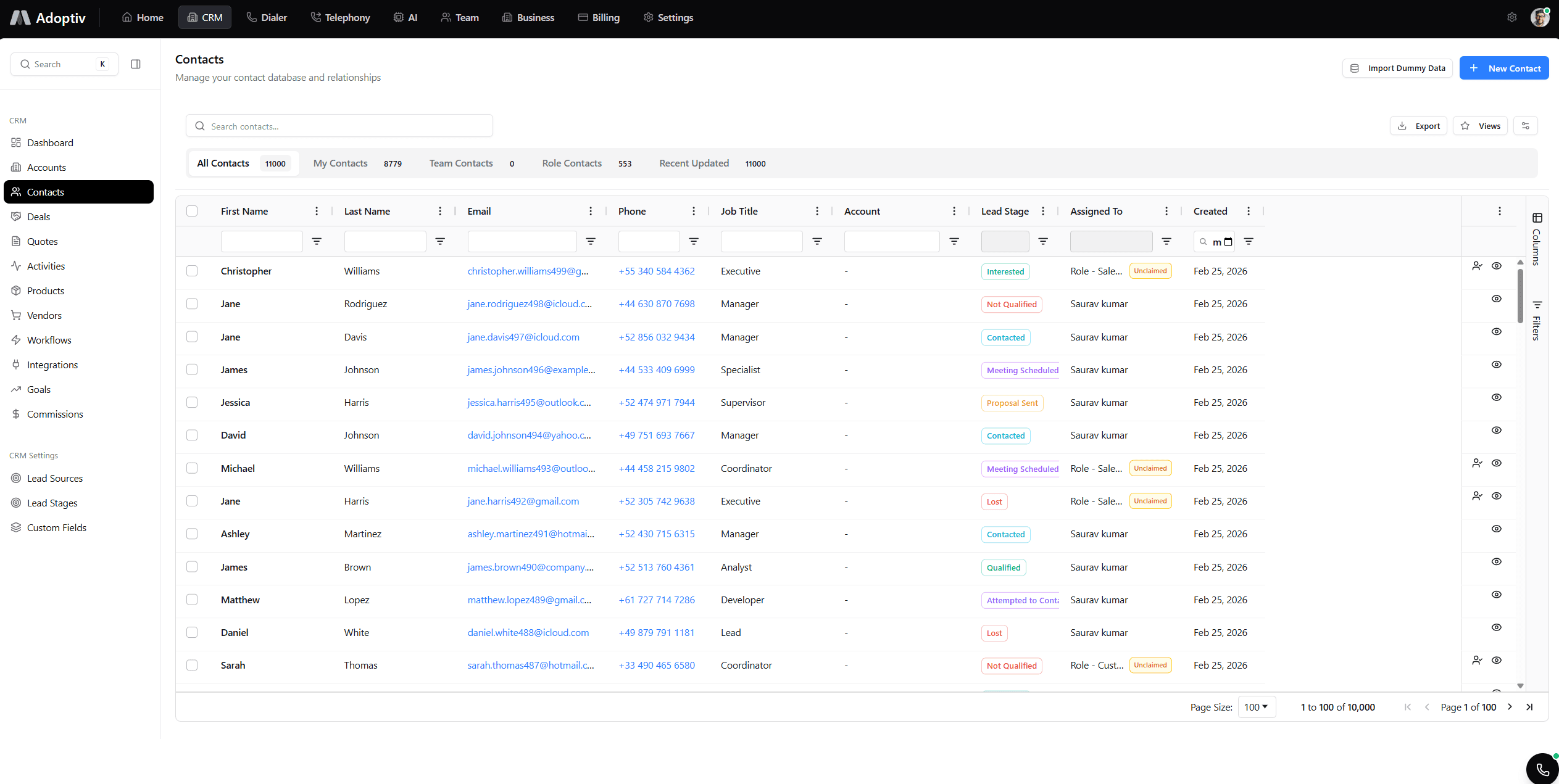
Shared dashboards.
One definition, many viewers.
Granular permissions, inherited CRM access, live collaboration, and governance tools—share without sprawl.
Stop emailing dashboard screenshots.
Share, permissions, access, single metric defs, live collab, admin.
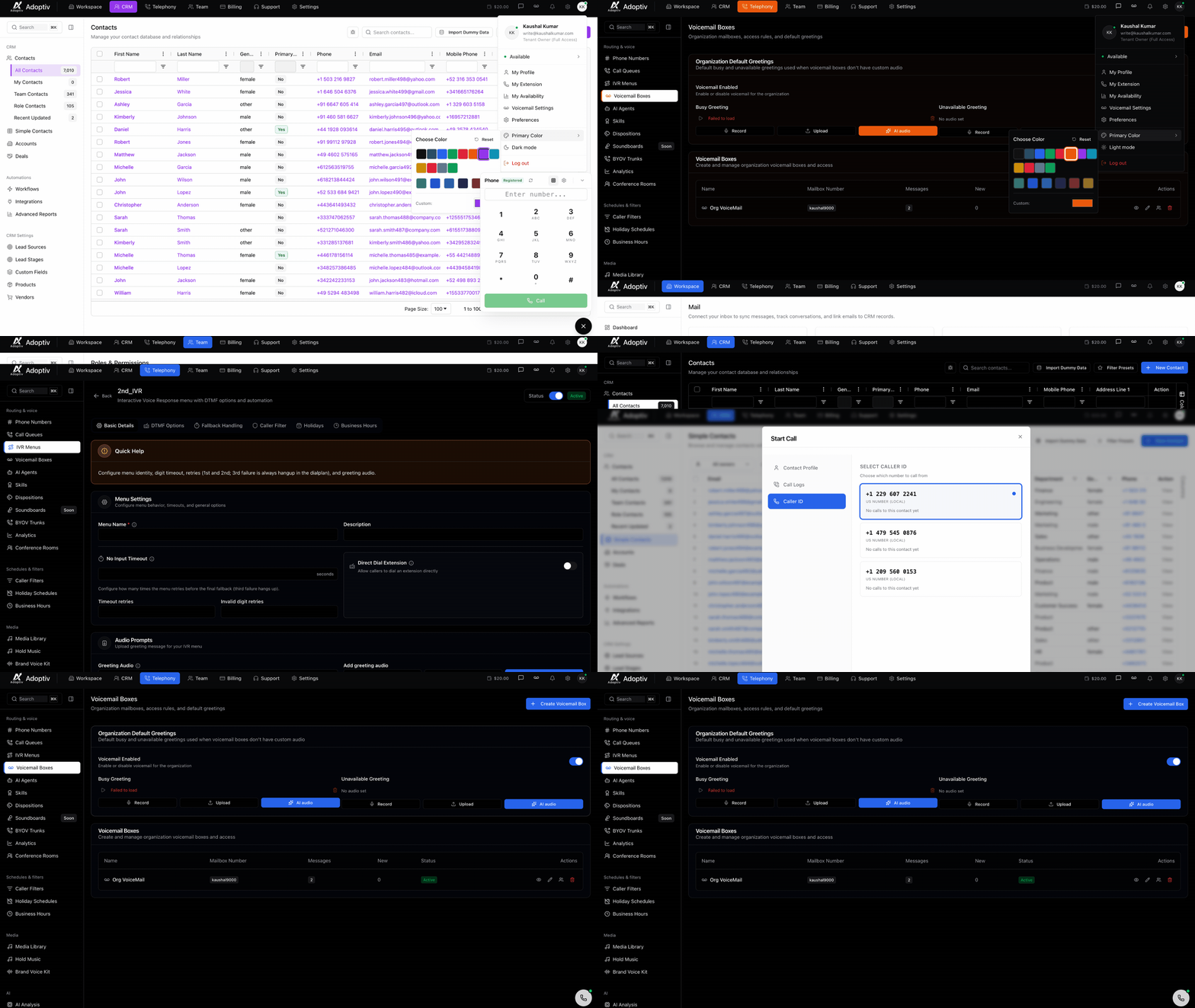
Dashboard Sharing
Share with individuals, teams, departments, or link-based viewers.
Who sees the numbers—and who can edit them?
Owners set the rules, staff get the right access and guests can view without touching the source.
Owners & the board
One official set of figures for planning and lenders—not twelve versions in email.
People who protect sensitive data
View-only vs edit, so only trusted people change layouts.
Remote & hybrid teams
One link; everyone works off the same live board.
Industries that care about audits
Clear history of who shared what and who changed permissions.
Why governance teams prefer Adoptiv sharing
Speed for operators. Control for security.
Aligned teams
- Everyone cites the same board.
- Less shadow reporting.
Least privilege
- View vs edit vs owner.
- Inherited CRM ACLs.
Live together
- Viewers refresh in sync.
- War rooms stay coherent.
Unlimited boards
- Share as many dashboards as you build.
- No per-seat dashboard tax.
Still juggling twelve versions of the same dashboard?
Forked boards create politics. Adoptiv sharing keeps one canonical definition while permissions control who can edit or only view.
Start 14-day trial
Build once
Unlimited dashboards mean every team can get a link without duplicating widgets.
RBAC depth
Pair dashboard ACLs with CRM role hierarchy for defense in depth.
Share a dashboard in three steps
Choose audience, set rights, publish.
Pick audience
Individuals, teams, or departments—or create a view link.
Set permissions
Decide who edits widgets vs who consumes metrics.
Publish
Notify stakeholders and let live refresh keep them current.
Everything you need to know about Adoptiv
Quick answers to what sales teams ask most before getting started with Adoptiv.
Yes. Generate links with view-only access and optional expirations for board meetings or investors.
Dashboards inherit the viewer’s CRM permissions—users only see data they’re entitled to in the core app.
Yes. Editors can iterate layouts with version history to avoid accidental overwrites.
Remove users, teams, or links instantly—changes propagate on next load.
Sharing and permission changes log to admin views for compliance-friendly review.
Open a dashboard, click share, pick teams or individuals, set view/edit, and send.
Ready to share dashboards securely?
Free trial. Permissions, live collaboration, unlimited boards.