Email parsing.
Leads captured automatically.
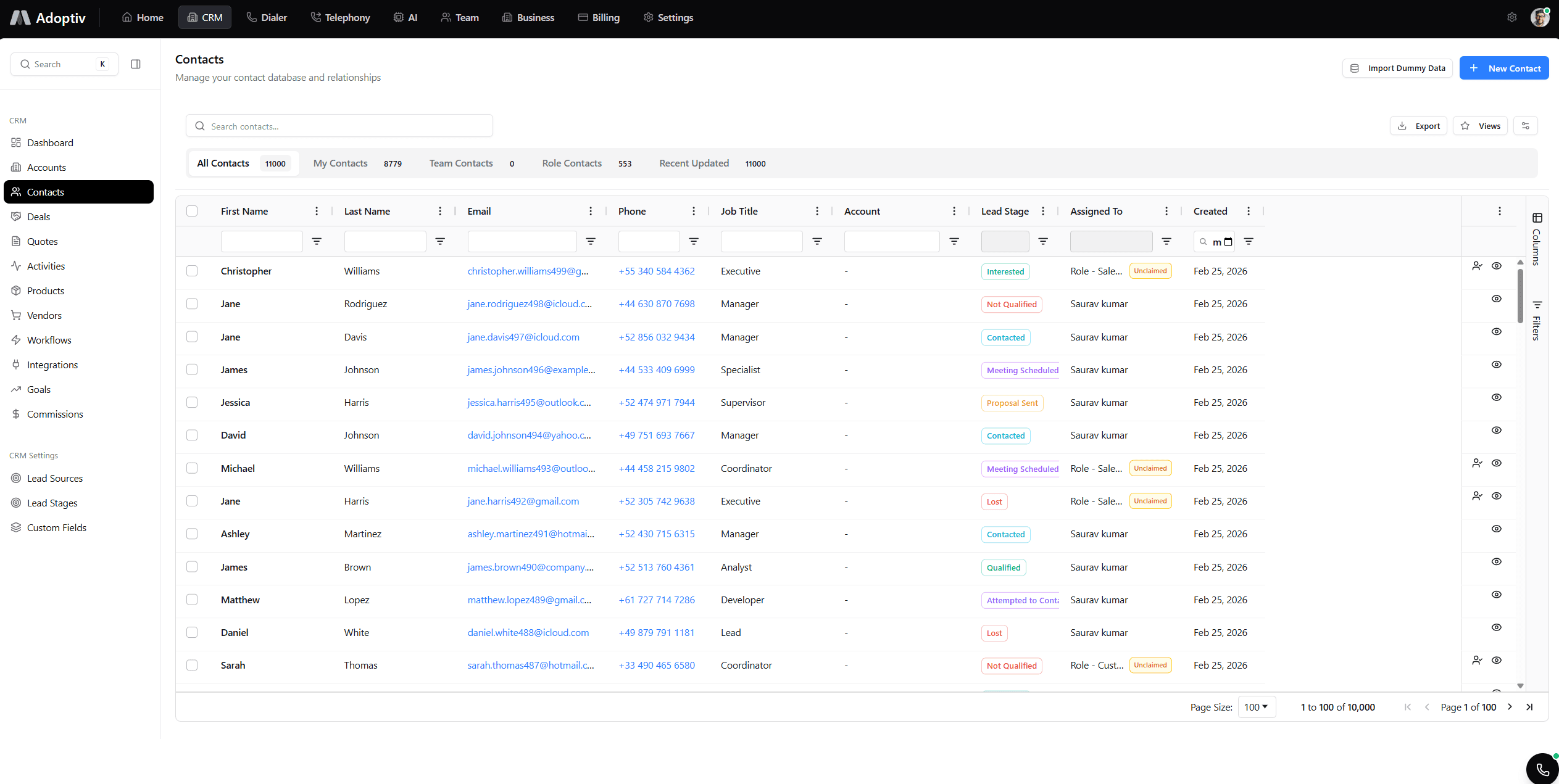
Turn inbound email into people and companies on the record. Route each message to the right team or rep. Keep the full conversation—threaded—on the contact or deal.
Never lose a lead buried in the inbox.
AI extraction, new records , routing, and full threads
AI-Powered Parsing
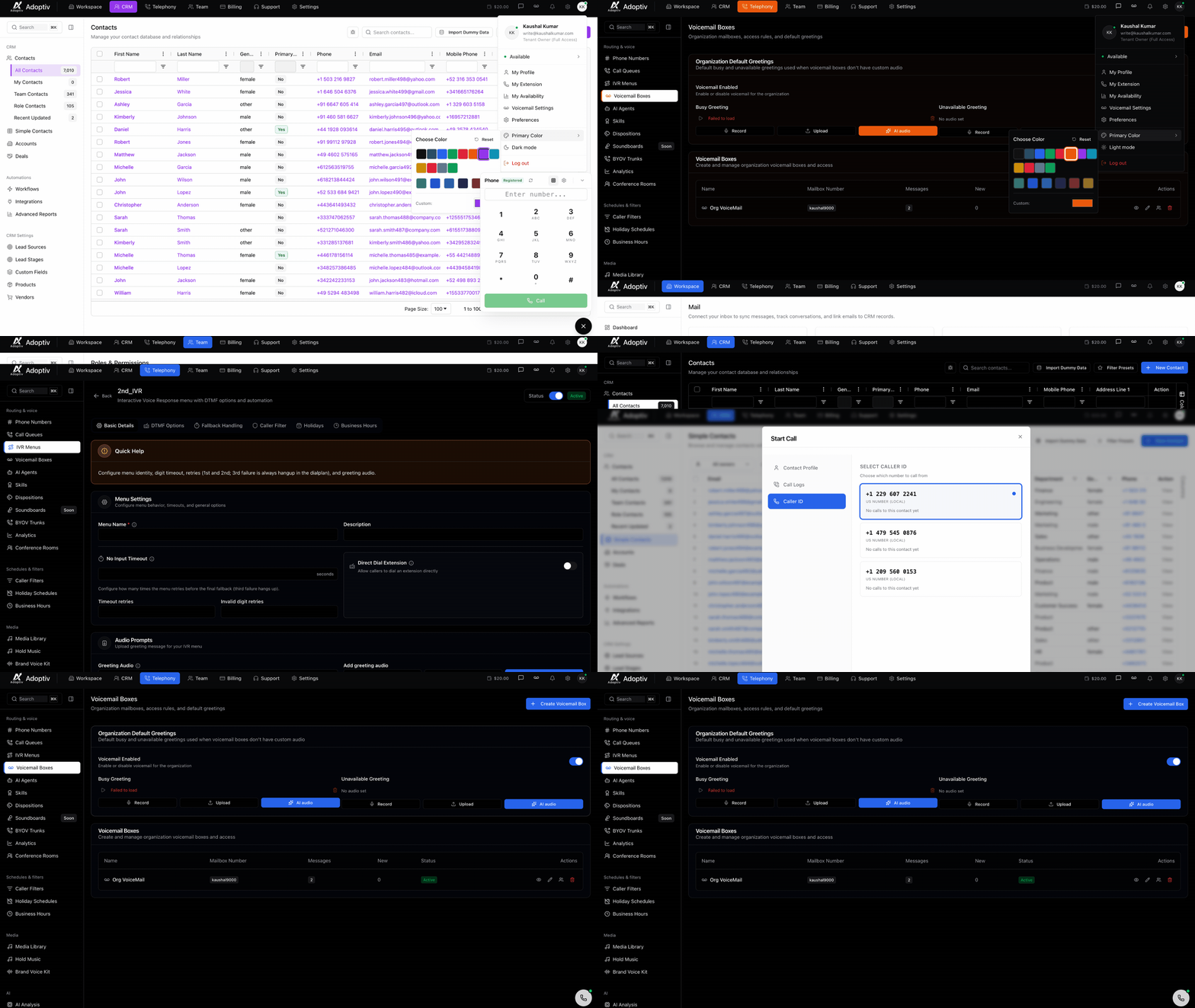
AI extracts contact information from emails—names, emails, companies, phones, and custom fields.
Who relies on parsing
Inbound sales, support queues, and partner mailboxes.
Inbound sales
info@ and demo@ aliases become structured leads with owners assigned automatically.
Marketing
Campaign replies parsed for intent and routed to SDRs with context.
Support
Tickets from email retain parsed customer identifiers for faster lookup.
Partners
Referral inboxes create partner-sourced contacts with attribution fields.
What parsing unlocks
Less manual entry. Faster first response. Cleaner data.
Auto-created records
- Contacts from first touch.
- Duplicates caught before clutter.
Zero clipboard work
- Fields populated from message body.
- Reps focus on replies—not data entry.
Smarter routing
- Right rep, right queue, faster SLAs.
- AI plus rules you control.
Full email stack
- Pair with AI analysis and sequences.
- One platform for mail + automation.
Still copying leads from email into spreadsheets?
Manual entry delays follow-up and introduces errors. Parsing turns every inbound message into structured CRM data with routing you control.
Start 14-day trial
Unified email first
Connect Gmail or Outlook so parsing runs on real-time sync—not brittle forwarding.
AI on every thread
Add sentiment and intent after parsing so reps know urgency before they open the body.
Three steps to automated capture
Connect, rule, route.
Connect inbox
Choose aliases or shared mailboxes to monitor for new leads.
Define extraction
Map fields, set confidence thresholds, and test with sample messages.
Route & notify
Assign owners, fire workflows, and alert teams on high-intent mail.
Everything you need to know about Adoptiv
Quick answers to what sales teams ask most before getting started with Adoptiv.
Yes. When confidence thresholds are met, new contacts are created or merged with duplicates detected by email and domain rules.
Matches can be overridden manually. You can require human review for sensitive inboxes, and confidence thresholds are adjustable per inbox.
Yes. Per-inbox rules define extraction maps, routing, and which workflows fire on new leads.
Yes. Parsed messages flow from the same sync used by Email & Webmail—OAuth-connected mailboxes.
Replies stay grouped so reps see the full conversation on the contact or deal without hunting in mail clients.
Enable parsing on a connected inbox, set creation rules, and watch new leads land in CRM automatically.
Ready to parse inbound email?
Free trial. Auto-create contacts, route leads, and thread every message.