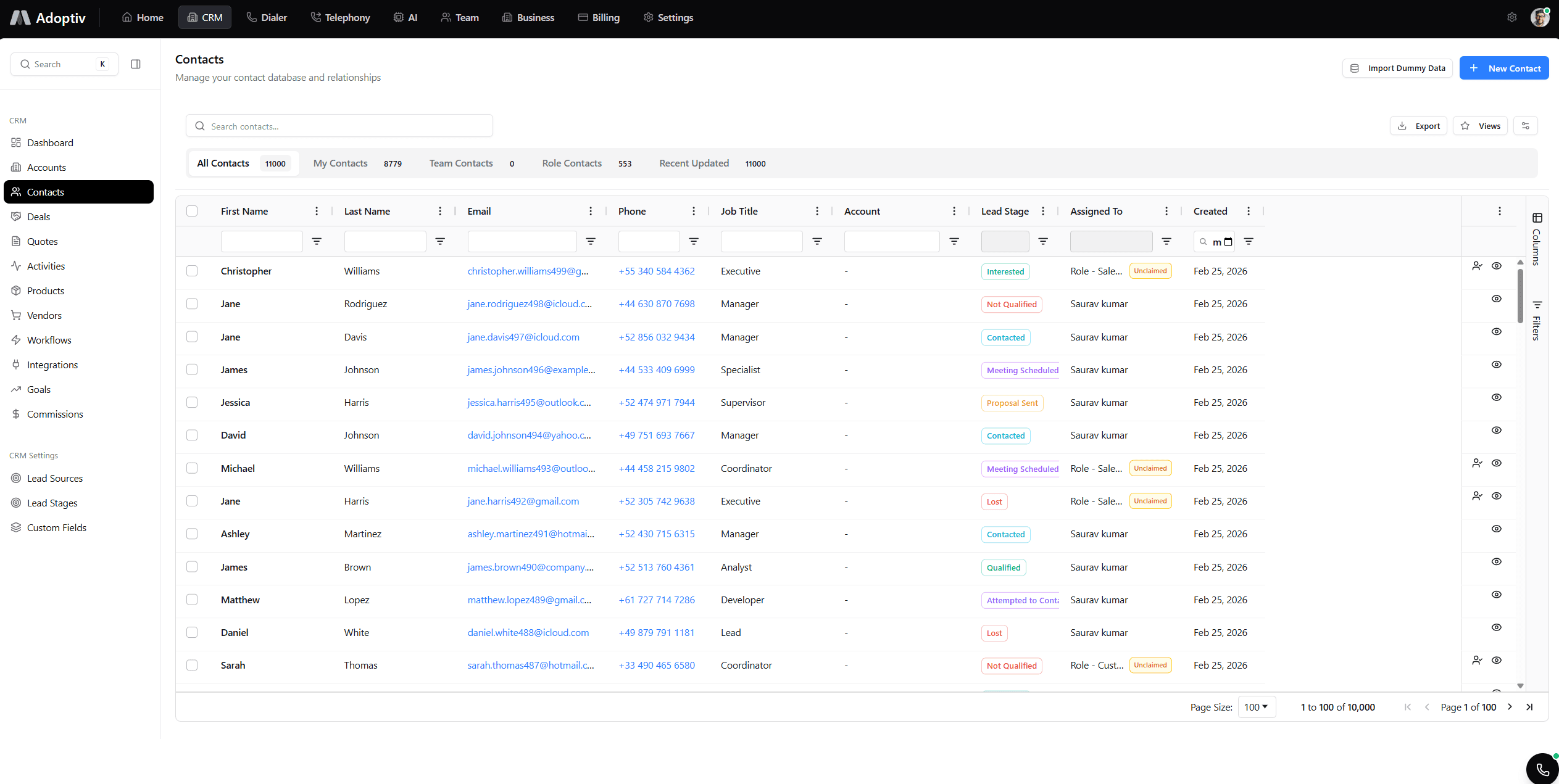
Wallboards.
Metrics the whole room can trust.
TV-ready, full-screen boards for sales floors and ops centers—live CRM and dialer data without a separate player.
Stop emailing screenshots to the floor.
Full-screen mode, live tiles, read-only presentation, and permissions that match your CRM.
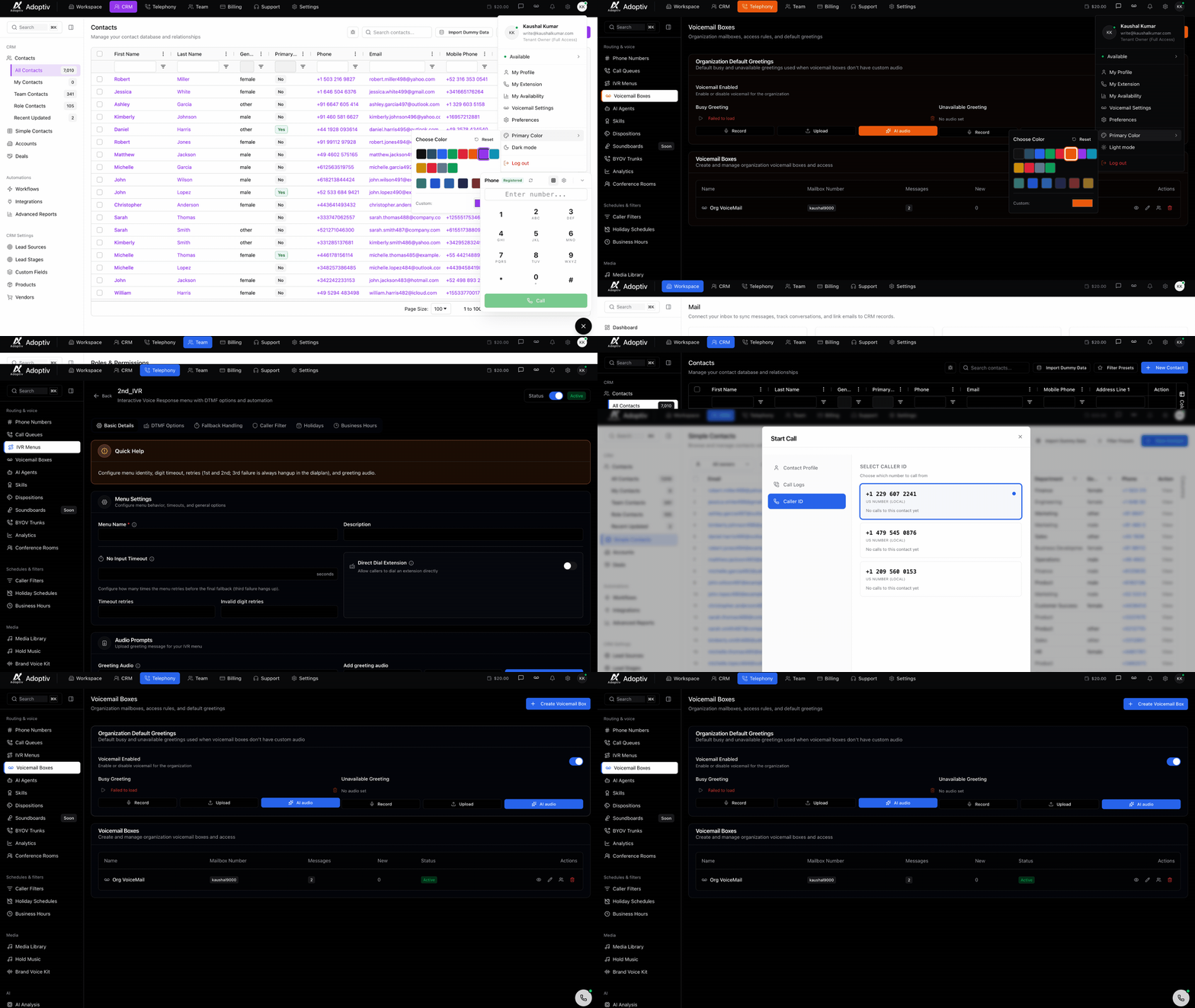
Full-screen presentation
Dedicated wallboard mode hides chrome so TVs and projectors show only metrics that matter.
Who stands in front of the big screen
Floor leads, branch managers, and owners walking the room—numbers large enough for everyone to read at once.
Phone-heavy & service teams
Queues and load where the headsets are.
Sales floors
Leaderboards and pipeline health without emailing files to the TV.
Operations & shift leads
Live counters next to customer outcomes—cause and effect in one glance.
Owners on site visits
The same live view your managers use, full screen.
What changes when the wall tells the truth
Faster huddles, calmer floors, fewer “which spreadsheet is right?” moments.
One board, one version
- Everyone reads the same live feed.
- No more mismatched exports.
Presentation-grade
- Full-screen hides clutter.
- Typography tuned for distance.
Stays live
- Shares refresh rules with dashboards.
- Backoff protects databases under load.
Unlimited dashboards
- Any dashboard can become a wall source.
- Unlimited widgets per board.
Still projecting spreadsheets on a TV?
Static slides go stale the moment you export them. Wallboards stream the same CRM and dialer metrics your leaders already trust—formatted for distance, locked for the room, and current by design.
Start 14-day trial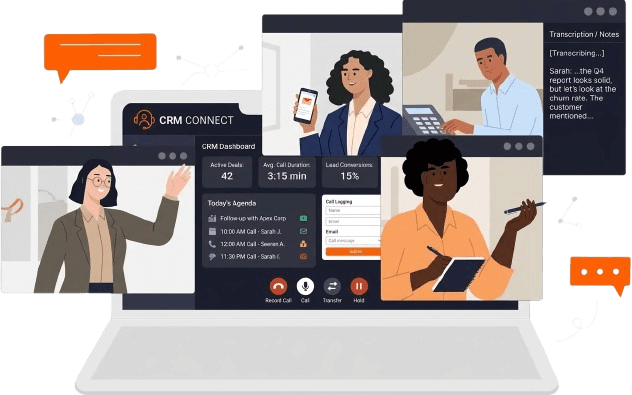
Dashboard foundation
Start from any shared dashboard, switch to wallboard mode, and walk away from the clicker.
Dialer + CRM together
Pair live queue metrics with pipeline health so the floor sees cause and effect in one glance.
Go live on a wall in three steps
Pick a board, tune the layout, present.
Choose a dashboard
Use an existing shared board or duplicate a template for the TV layout.
Enter wallboard mode
Hide chrome, enlarge tiles, and confirm read-only for the audience.
Cast or open full screen
Use browser full-screen on the display; exit anytime to edit widgets.
Everything you need to know about Adoptiv
Quick answers to what sales teams ask most before getting started with Adoptiv.
No. Wallboards run in the browser in full-screen mode. Any modern display with a browser or casting device works.
They use the same refresh policies as dashboards—typically targeting sub-minute freshness for critical tiles, with safeguards under load.
Wallboard mode is read-only for the audience. Authorized users can exit to the standard dashboard editor when changes are needed.
Wallboards are part of the analytics experience alongside unlimited dashboards. See pricing for your tier or talk to sales for enterprise TV rollouts.
This page (/features/wallboard) is the best starting point. You can also explore unlimited dashboards and real-time updates for the full analytics story.
Ready for TV-ready metrics?
Wallboards, unlimited dashboards, and live refresh—on Adoptiv.