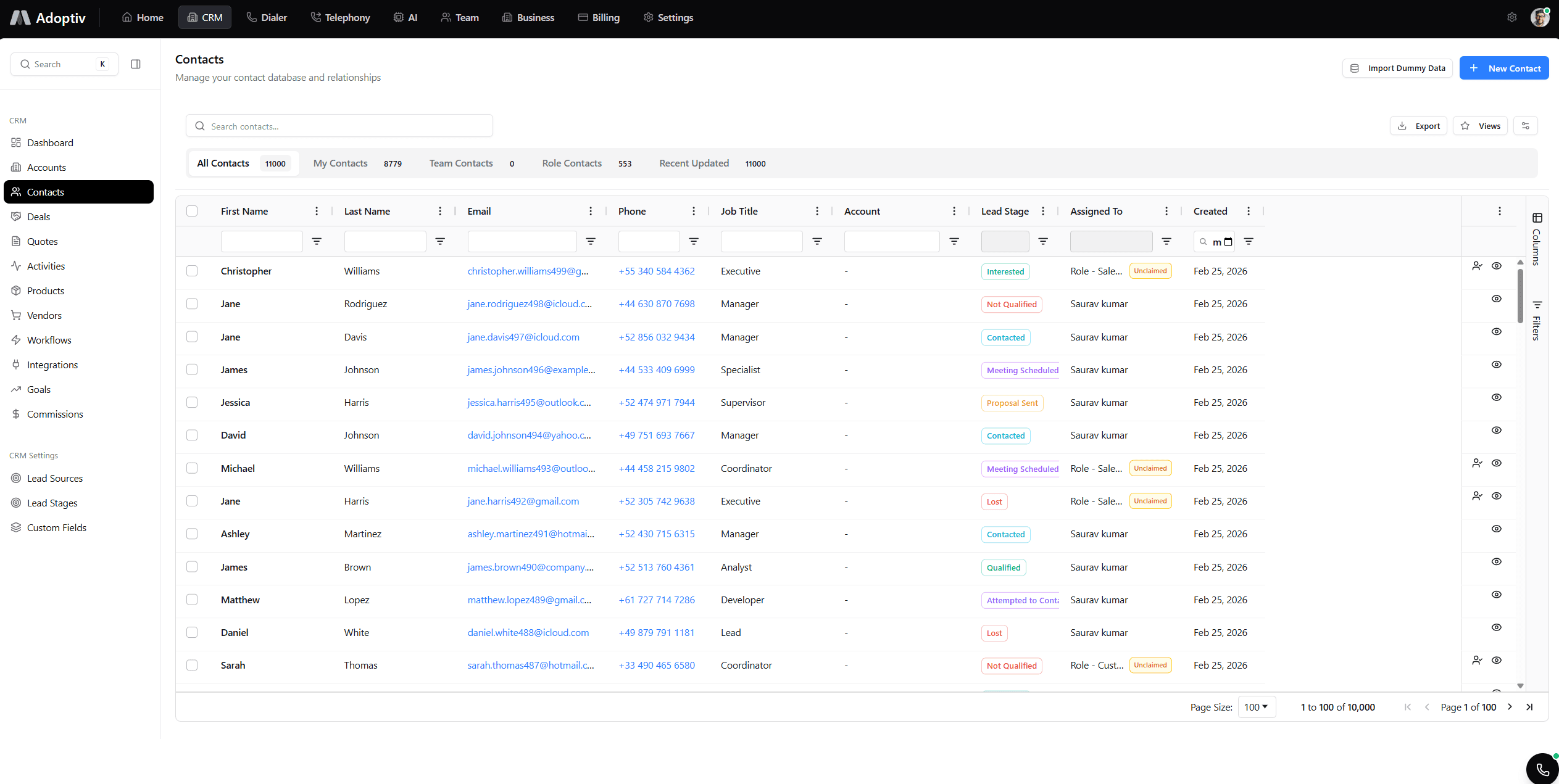
Wallboards.
Metrics the whole room sees.
TV-ready layouts, live team stats, presentation mode, and multi-site deployment—same data as your dashboards.
Put the scoreboard where work happens.
TV format, team KPIs, live refresh, presentation, sites, layout.
TV-Ready Format
Layouts tuned for large displays—readable fonts, high contrast, safe margins.
Team Metrics Display
Pipeline, dialer stats, wins, and SLA tiles side by side for the floor.
Real-Time Updates
Same refresh engine as dashboards—metrics twitch as deals move.
Presentation Mode
Strip nav and chrome for boardrooms and all-hands—focus on the story.
Multi-Location Support
Run the same wall URL in every office—timezone-aware labels optional.
Customizable Layouts
Pick metrics, ordering, and refresh—tuned for sales, support, or RevOps.
Who uses these analytics
RevOps, sales leaders, and CS—one source of truth on the wall.
Sales leadership
Pipeline, conversion, and rep metrics on dashboards and wallboards without exporting to sheets.
Marketing ops
Campaign and funnel widgets beside CRM data for full-funnel reporting.
Customer success
Health scores and meeting load visible on shared team dashboards.
RevOps
Permissions, sharing, and refresh policies that scale across departments.
Why floors run Adoptiv wallboards
Culture + clarity without another BI tool.
Visible urgency
- Everyone sees pipeline and dialer pulse.
- Less “what’s the number?” chatter.
Multi-site parity
- HQ and satellite offices see the same defs.
- Regional tweaks when needed.
Same widget engine
- Anything on a dashboard can hit the wall.
- Unlimited widgets apply here too.
Still emailing screenshots to the sales pit?
Static images kill momentum. Wallboards keep live CRM metrics front and center so teams react to today’s pipeline—not Friday’s PDF.
Start Free Trial
Light up a wall in three steps
Design, publish, display.
Design board
Pick the KPIs your floor cares about—pipeline, dials, wins.
Enter wall mode
Switch to full-screen layout tuned for distance viewing.
Cast or browse
Open the URL on office TVs, lock kiosk mode, and let it run.
Everything you need to know about Adoptiv
Quick answers to what sales teams ask most before getting started with Adoptiv.
Any browser-capable TV or mini-PC running Chrome or Edge full-screen—no proprietary player required.
Yes. Playlist mode cycles boards on a timer so floors see pipeline, dialer, and CS metrics in sequence.
Wallboards inherit the same refresh policies as standard dashboards—typically sub-minute for key tiles.
Use one canonical URL or fork layouts per region while keeping metric definitions aligned.
Presentation mode removes chrome for a clean floor or boardroom experience.
Build a dashboard, open wallboard mode, drop the URL on a TV browser, and go full-screen.
Ready for TV-ready metrics?
Free trial. Wallboards with live CRM data and multi-site support.