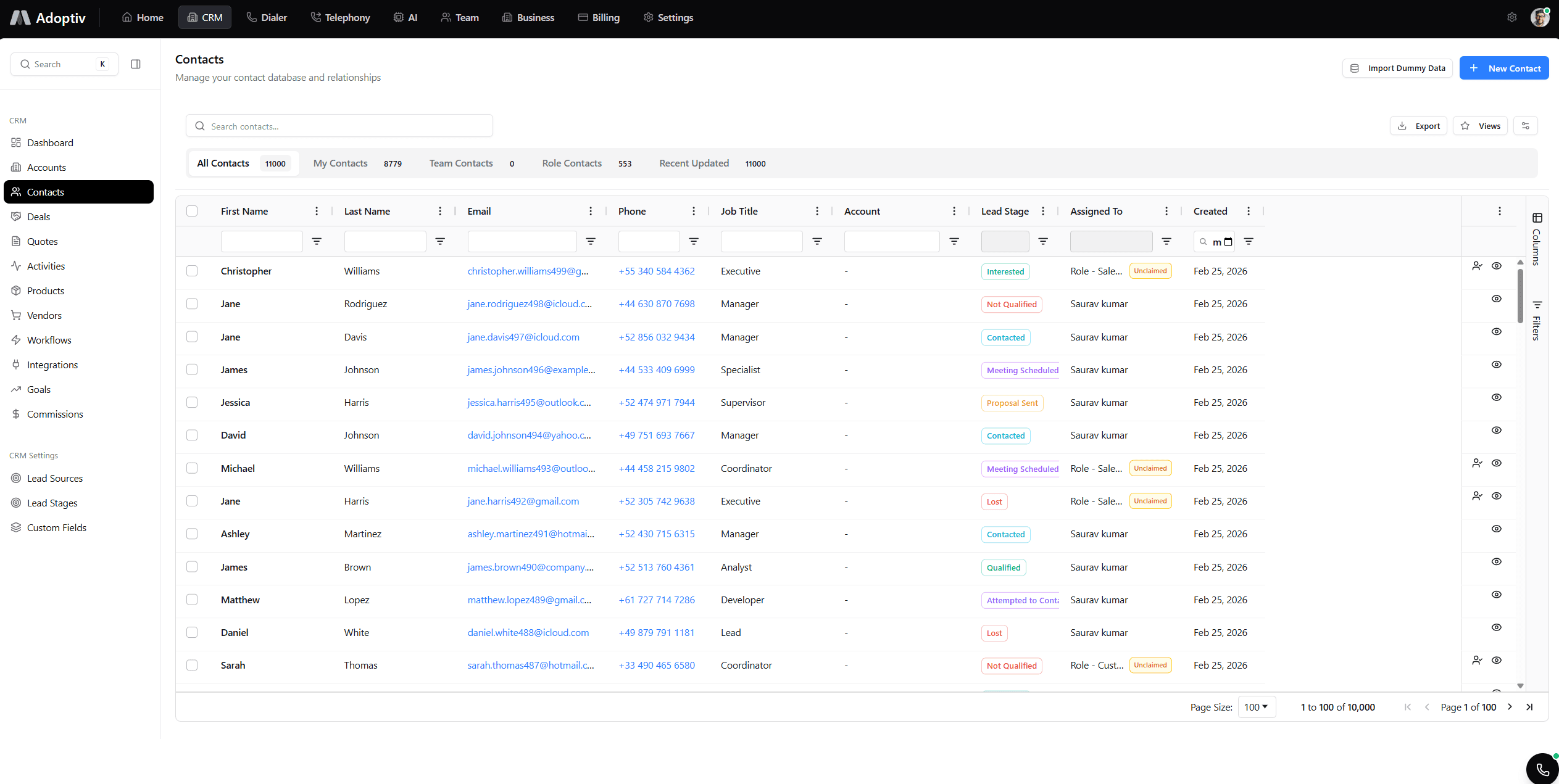
Power & preview dialer.
Automate or control every call.
Power dialer for automated dialing. Preview dialer for manual control. Campaign scripts, dispositions, and agent controls—choose the mode that fits your workflow.
Automate dialing or review every contact first.
Same platform: high-volume power mode and high-touch preview mode with scripts and CRM sync.
Power Dialer
Automated dialing mode. System dials automatically, connects agents to answered calls. Maximum efficiency for high-volume calling.
Preview Dialer
Manual control mode. Review contact information before dialing. Perfect for high-value calls requiring preparation.
Seamless Mode Switching
Switch between power and preview modes instantly. Use the right dialing mode for each call type.
Campaign Scripts
Display campaign scripts during calls. Consistent messaging across all agents. Professional call handling.
Call Disposition
Quick call disposition options. Mark outcomes instantly. Track call results automatically.
Agent Controls
Pause, resume, and skip controls. Agents have full control over their dialing pace. Comfortable workflow.
How teams use Adoptiv telephony
Dial at volume or with precision—Adoptiv supports both in one telephony stack.
Outbound sales
Scale talk time, improve connect rates, and keep CRM dispositions accurate on every call.
Campaign teams
Run structured calling programs with dialers, queues, and analytics that improve every day.
Contact centers
Skills-based routing, coaching, transfers, and wallboard-ready metrics in one stack.
Operations
BYOV, unlimited scale, recordings, and carrier-grade reliability for the whole org.
What you'll achieve
More calls per hour when you need speed; full control when every call counts.
Automate high-volume dialing
- Power mode dials and connects efficiently.
- AMD and pacing built in.
One-size dialers force you into the wrong workflow.
Some lists need speed; others need preparation. Adoptiv gives you power and preview dialing with scripts, dispositions, and mode switching so every team works the way they should.
Start Free Trial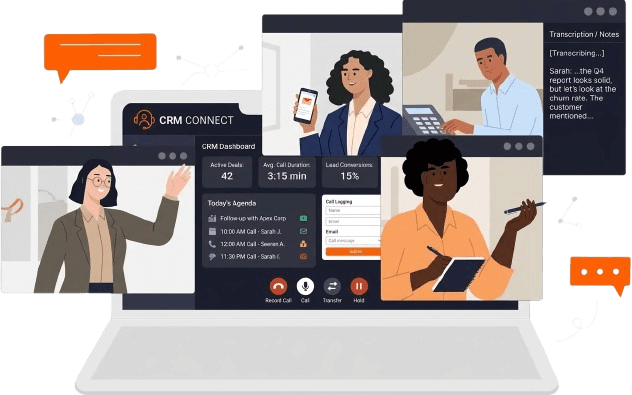
Power when you need throughput
Automated dialing, AMD, and pacing for lists where volume wins.
Explore dialing modesPreview when context matters
Review contacts, notes, and deal stage before you connect.
Start Free TrialFrom setup to results in three steps
Configure once, run at scale, optimize with live data.
Configure
Pick power or preview per campaign. Attach scripts and disposition sets.
Run at scale
Agents dial at the right pace. Outcomes sync to CRM automatically.
Measure & improve
Report on connect rates, talk time, and outcomes to improve every week.
Everything you need to know about Adoptiv
Quick answers to what sales teams ask most before getting started with Adoptiv.
Power dialer automatically dials the next number and connects you when someone answers—ideal for volume. Preview dialer shows the contact first so you choose when to dial—ideal for high-touch or complex deals.
Yes. Assign power or preview per campaign or let agents switch modes based on list type. Scripts and dispositions follow either workflow.
Yes. Answering machine detection helps skip voicemails so agents spend time on live conversations when using power mode.
Yes. Display scripts during calls for consistent messaging. Track usage and iterate on talk tracks.
One-click disposition with custom outcomes, follow-up scheduling, and CRM updates. Analytics show which outcomes drive revenue.
Start a free trial or book a demo. No credit card required to explore power and preview dialing with your team.
Ready to dial smarter?
Start your free trial. Power and preview dialing included. No credit card required.